 Abotts Partners with singapore based tech giant to help migrate their public sector customer from Sybase to SQL server.
 Abotts partners with NYPL to integrate with their partner libraries.
 Upworks Inc partners with ABOTTS to build their Oracle Cloud Infrastructure (OCI) and migrate their custom applications to OCI.
 Abotts Inc Partners with Gnorth consulting to deploy exadata and ODA for a large public sector customer.
Details of derverpadb3
Navigating the Dev compartment to obtain the cloning requirements’ specifics
(root) -> dev -> Database
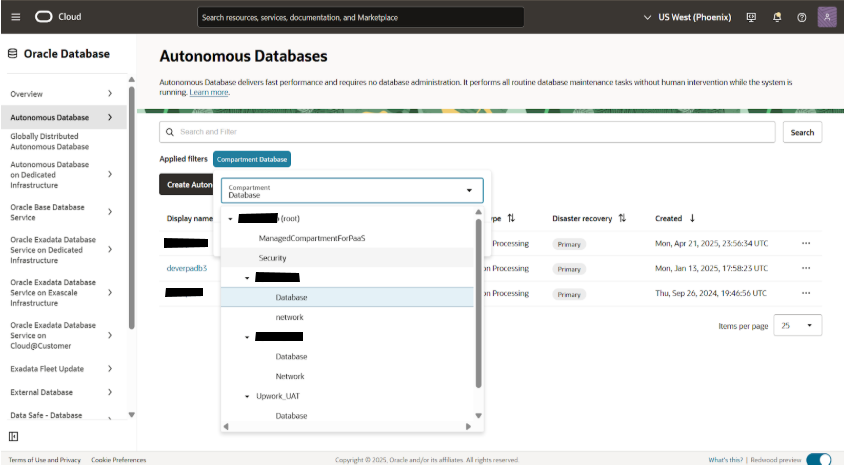
To obtain the clone details, select the database sub-compartment inside the dev compartment and open the Deveradb3 ADB.
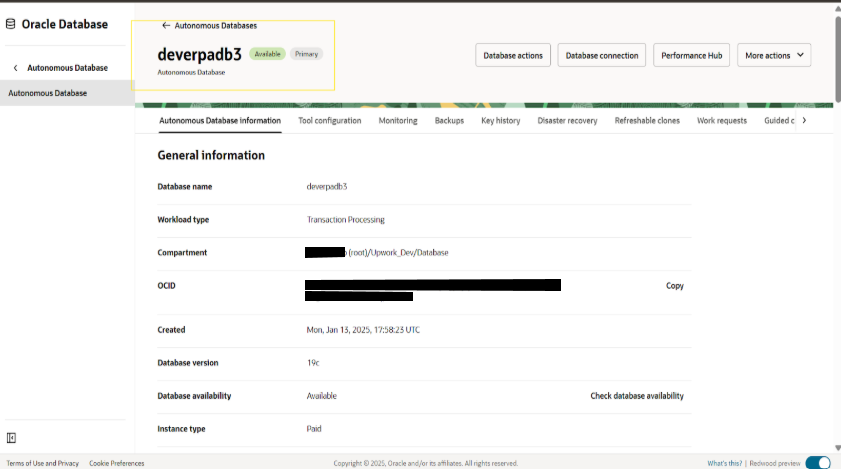
Information gathering, including private endpoint ip, private endpoint url, subnet, and VCN.
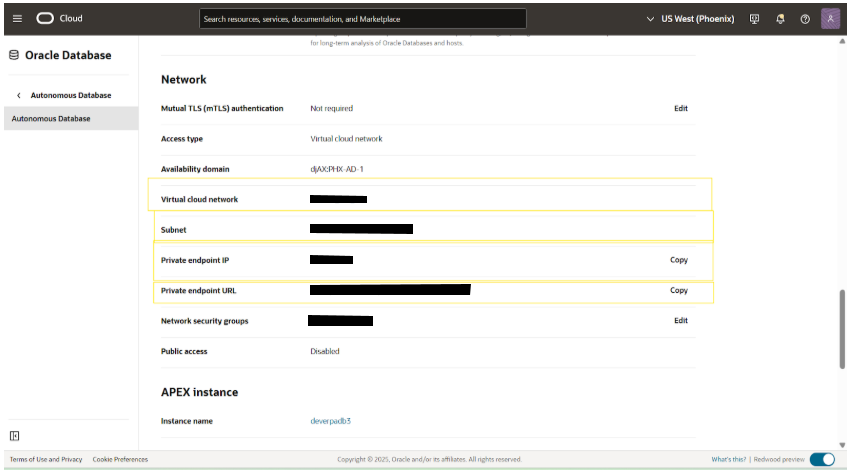 Once the above details are noted down, stop and terminate the DEV3 DB.
Clone Creation Setup
Navigating the Prod compartment to create the clone ADB
(root) -> prod -> Database
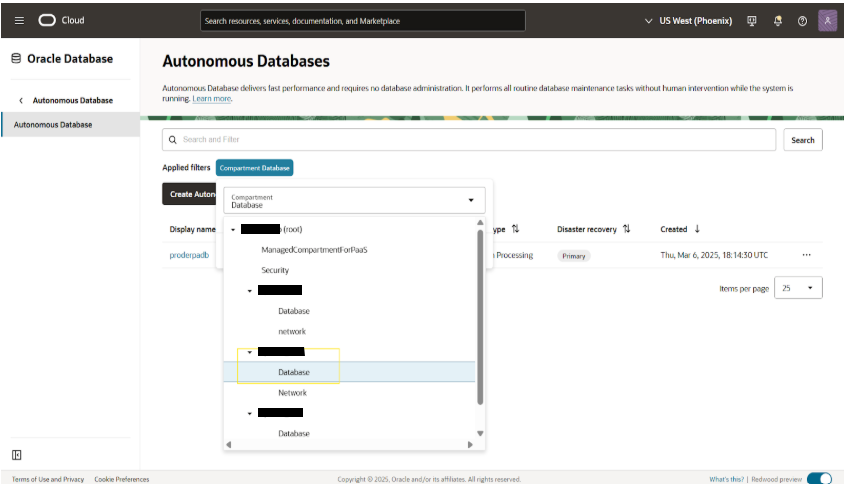
Opening proderadb ADB to clone
Navigate: (root) -> prod -> Database -> proderpadb -> More action -> Create Clone
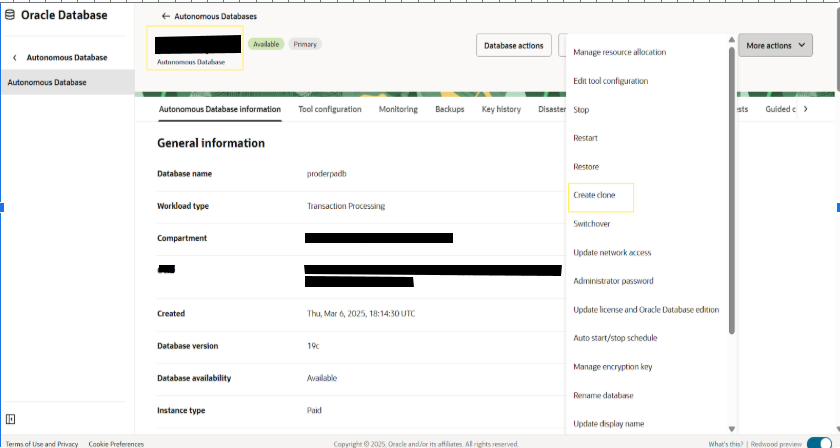
Choosing the clone type and clone source
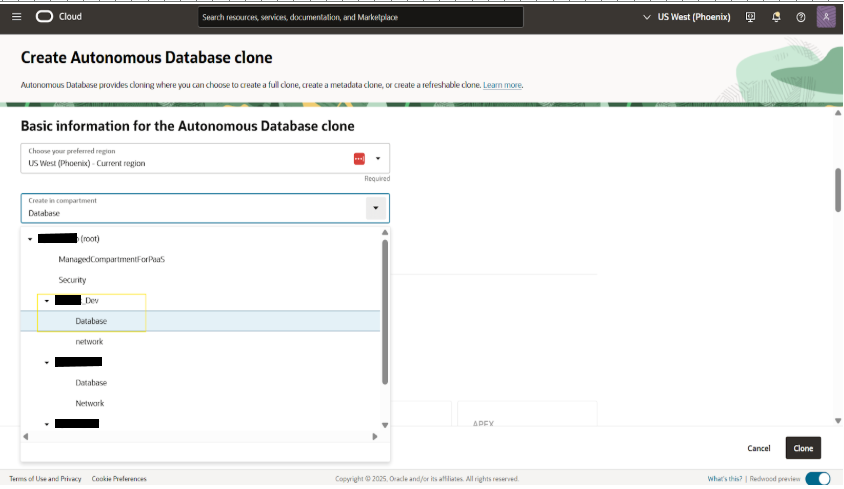
 Choosing the compartment to clone ADB
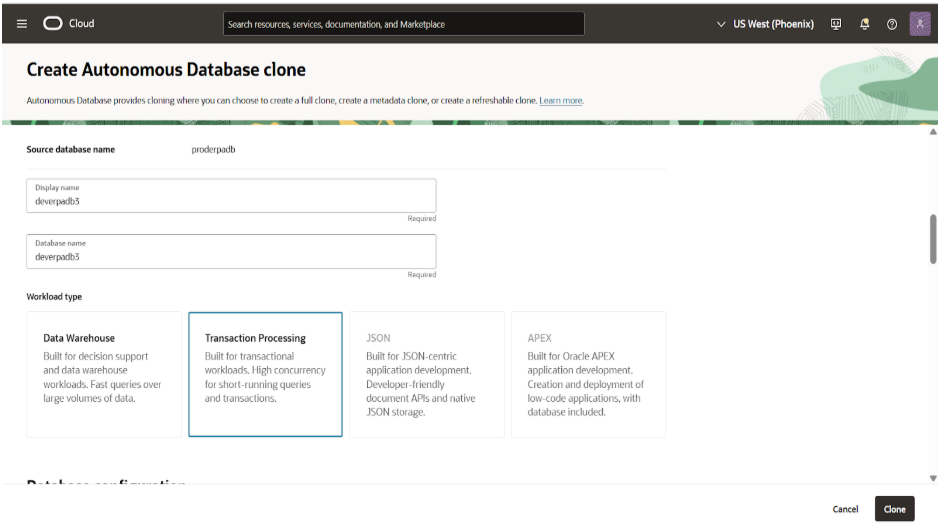
Giving the display name, database name and choosing workload type
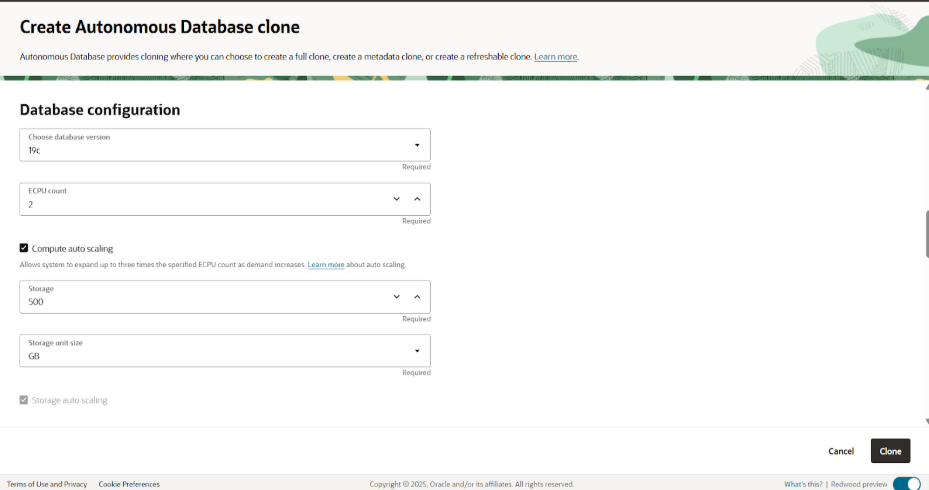
 Configuring the ADB details like version of DB, ECPU count, and storage size
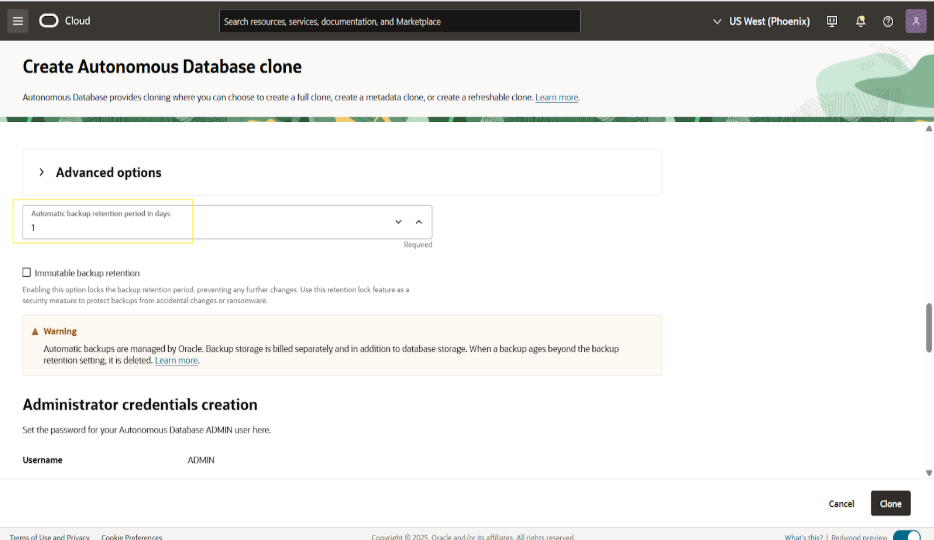
Choosing db backup retention period
Setting the Admin password for ADB
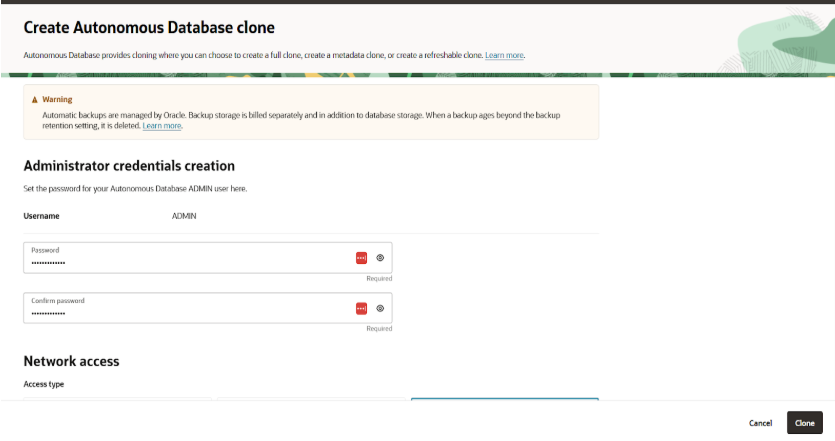 Proving the path of VCN for clone db and access type
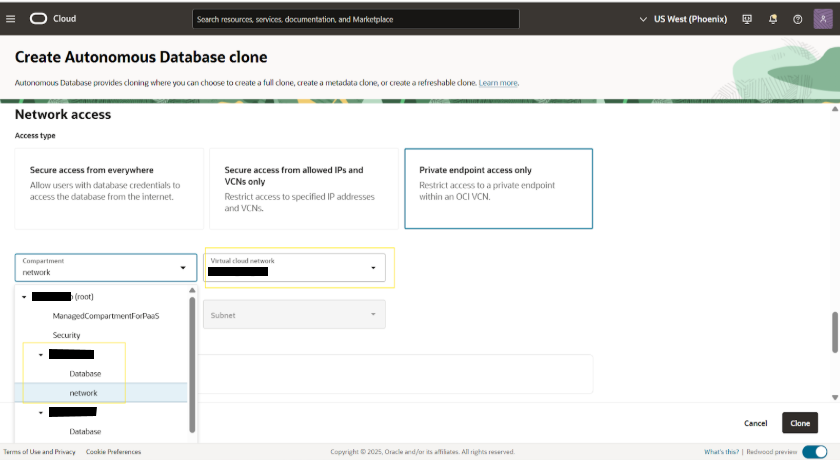
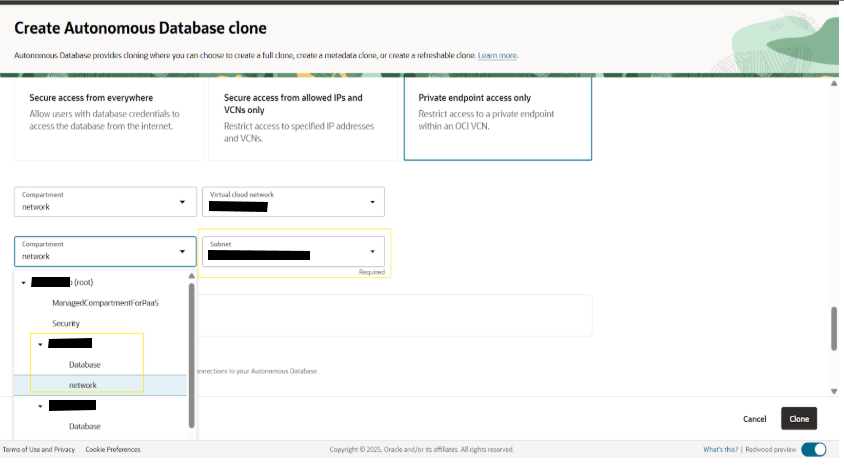
Choosing the subnet for clone db
Giving the private IP address and hostname and choosing the NSG
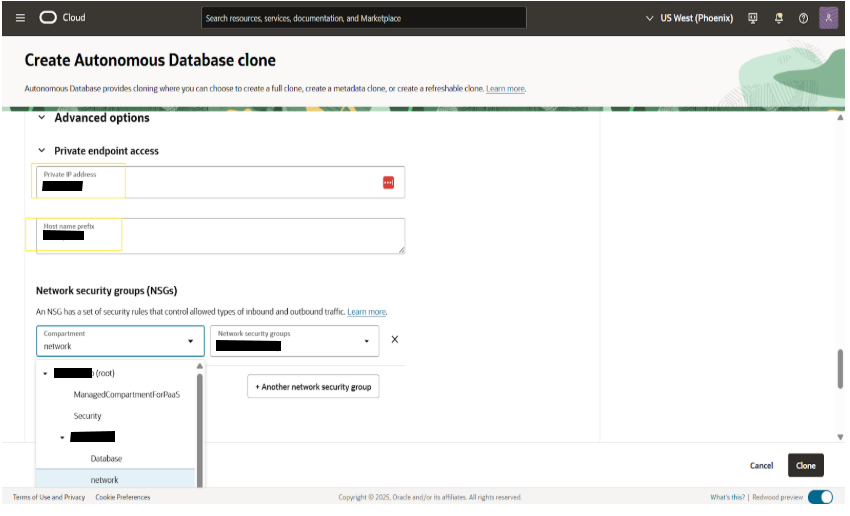
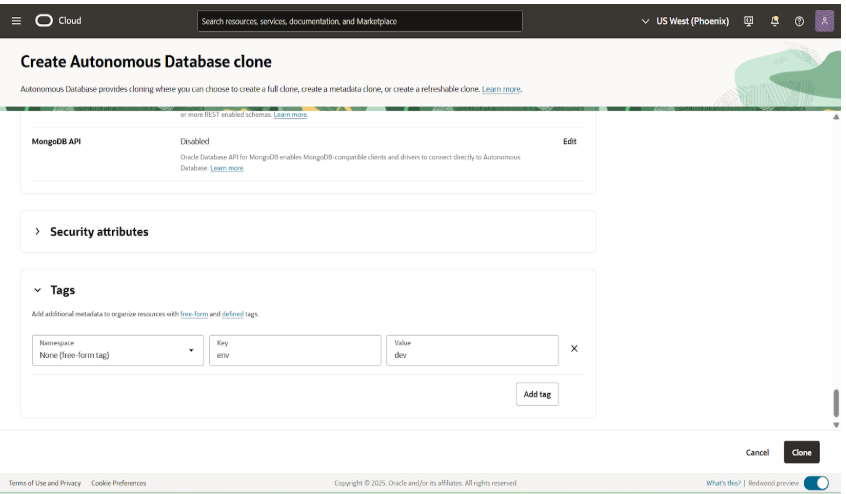
Click clone option create clone adb in dev->database compartment
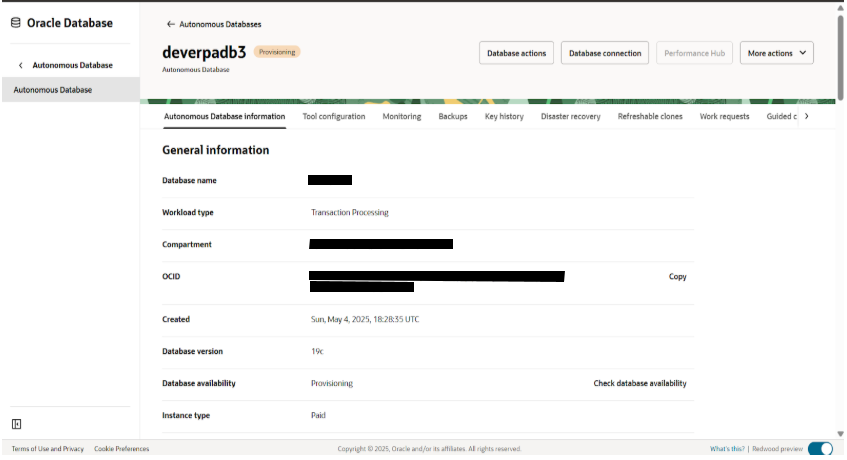
The new clone DB still in provisioning state
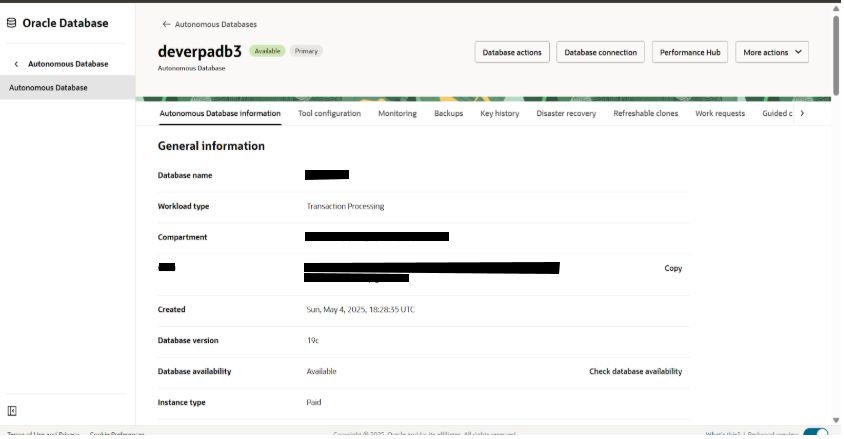
Deverpadb3 is now in available state
Downloading cloud wallet
deverpadb3 -> Database connection -> Download wallet
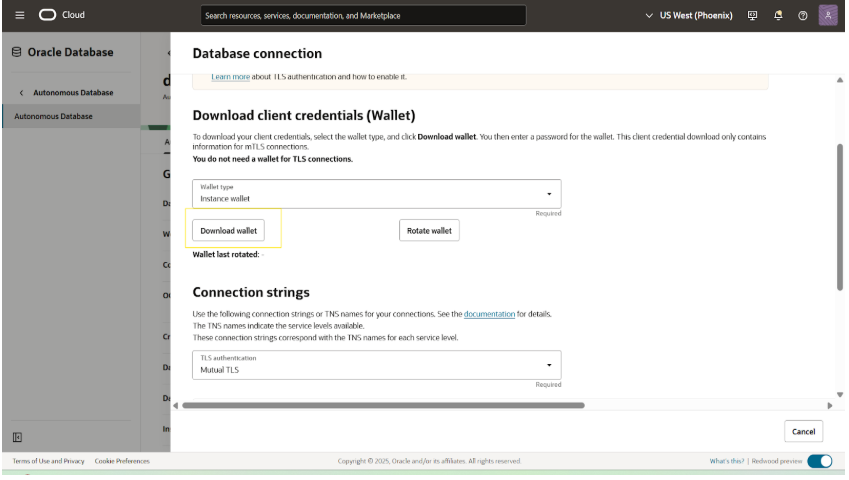
Details inside the cloud wallet of deverpadb3 and upload the latest wallet file to LastPass
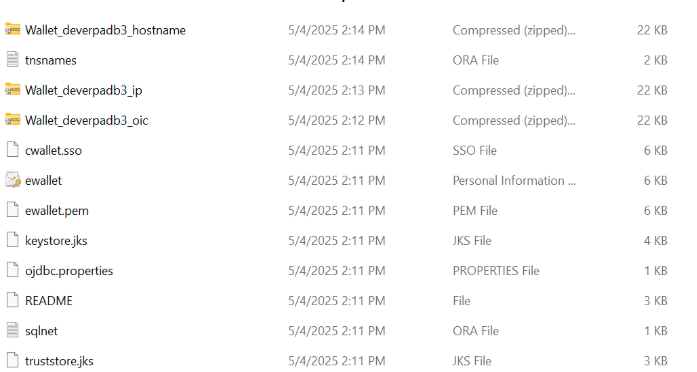
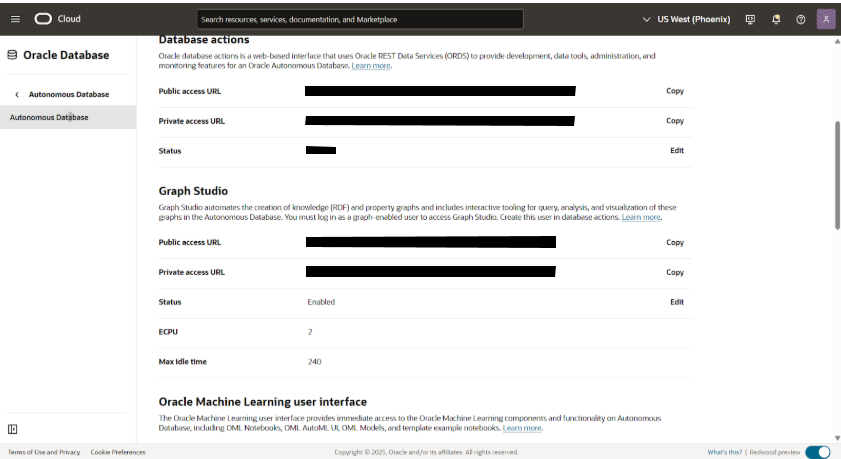
Details of devdb
Store the DEV password in lastpass
Please create the DB link and login credentials as shown below.