 Abotts Partners with singapore based tech giant to help migrate their public sector customer from Sybase to SQL server.
 Abotts partners with NYPL to integrate with their partner libraries.
 Upworks Inc partners with ABOTTS to build their Oracle Cloud Infrastructure (OCI) and migrate their custom applications to OCI.
 Abotts Inc Partners with Gnorth consulting to deploy exadata and ODA for a large public sector customer.
How to set up APEX in OCI.
Open Apex link , log in as Admin
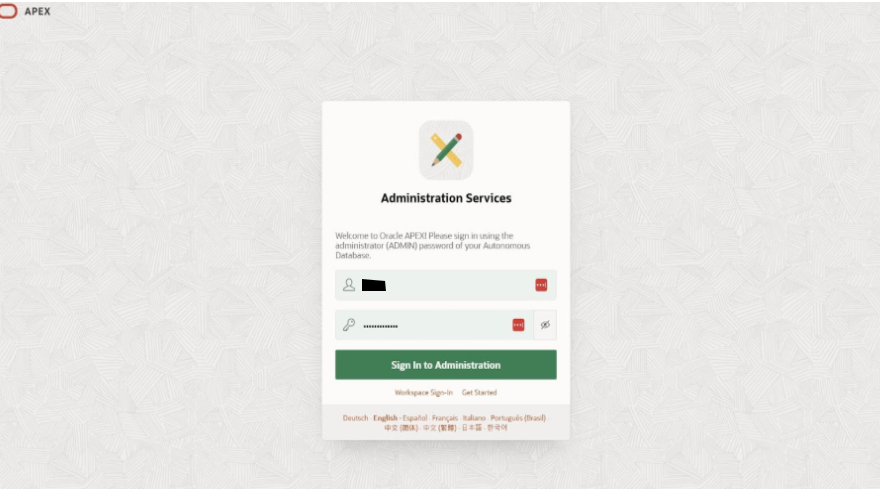
In Manage Instance section navigate to security section and opening it
In Security settings, open Social Sign In
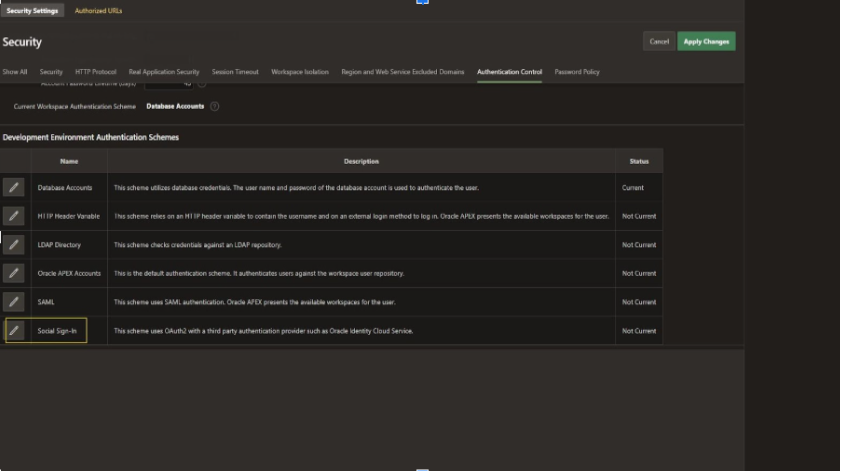
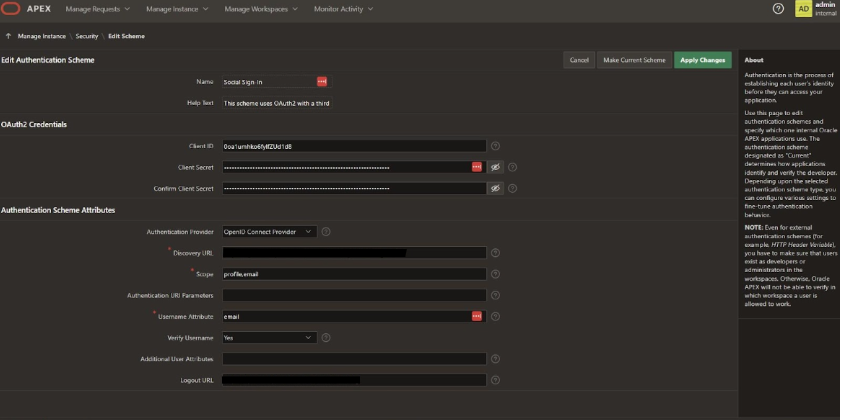
Configuring the Social Sign In details
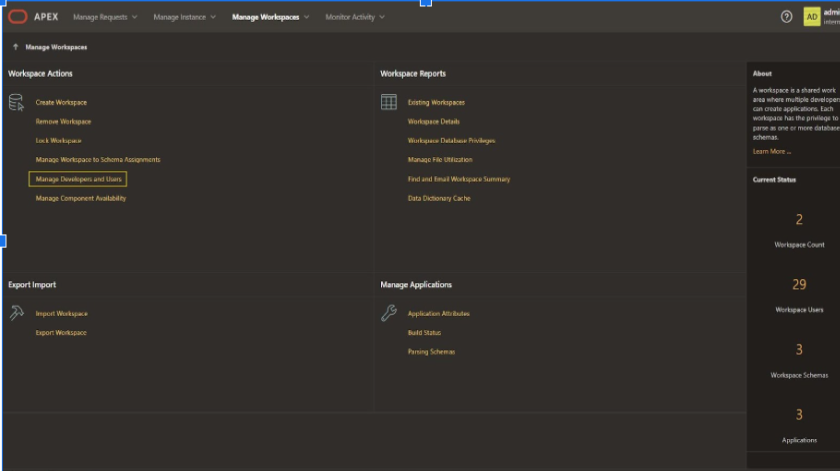
Now go to Manage Workspaces, open Manage Developers and Users
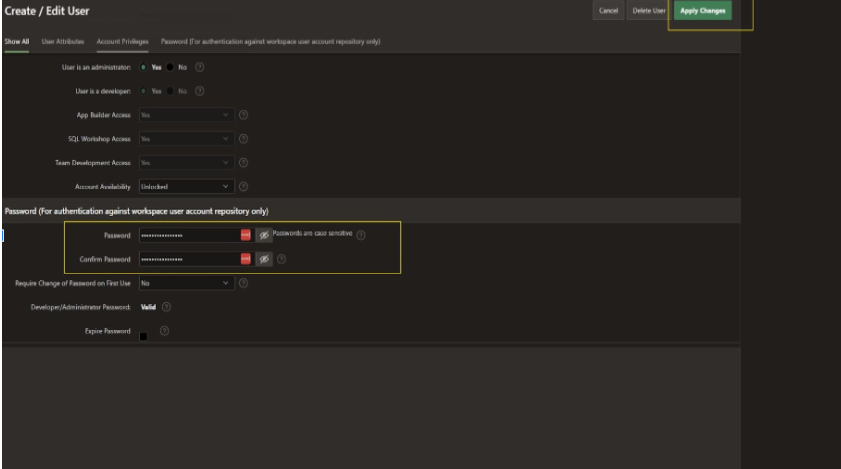
Create a User as per your need, as shown below.
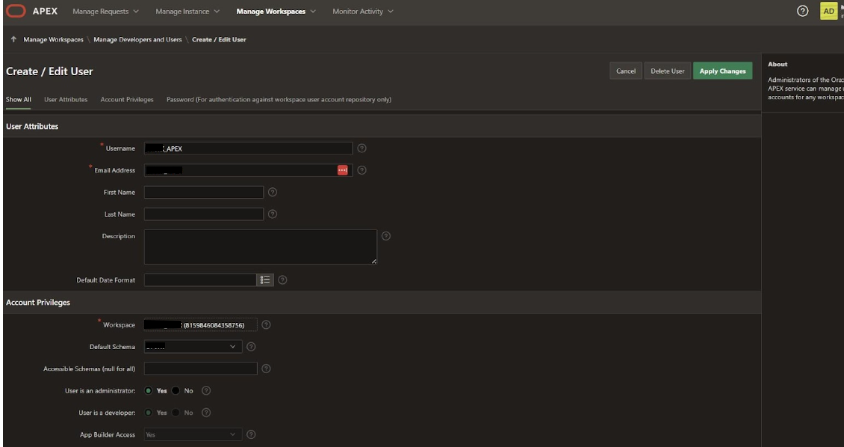
Provide a login password for the user you created and click Apply changes to save.
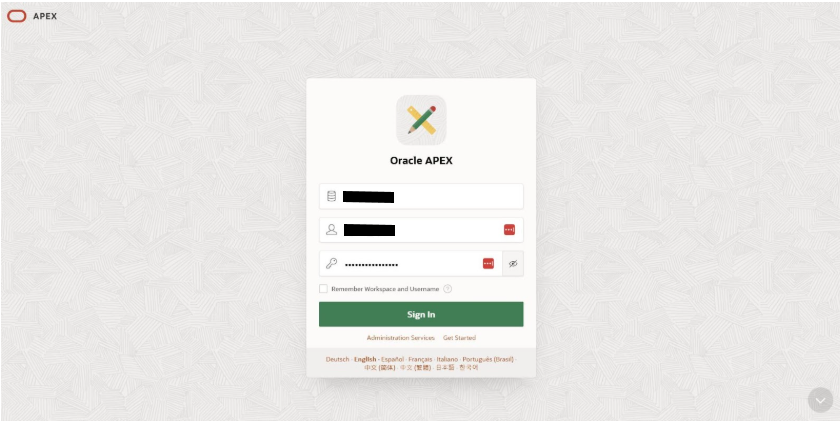
Open Apex link, login with the User which you created.
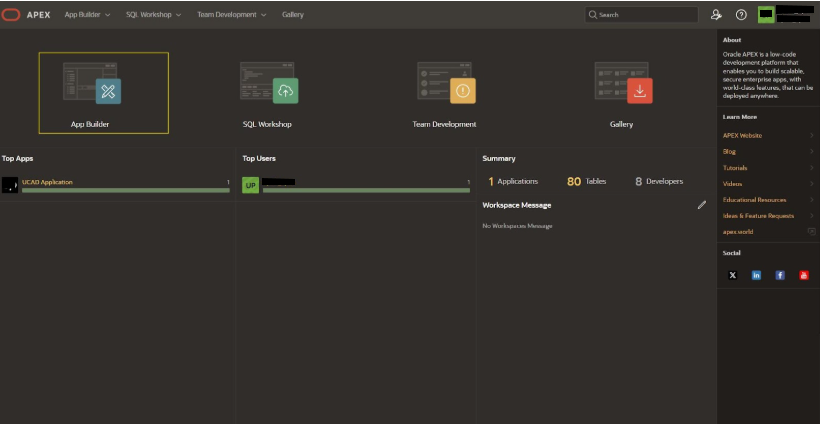
Navigate and Open the App Builder
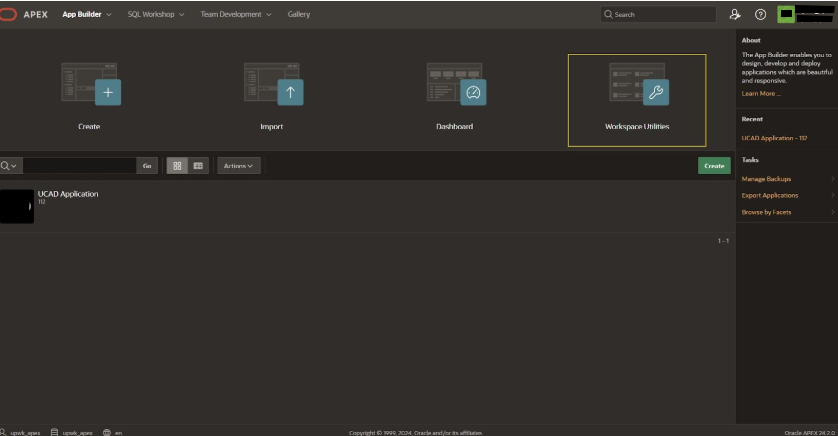
Inside App Builder open Workspace Utilities
Inside the Workspace Utilities open the Web Credentials
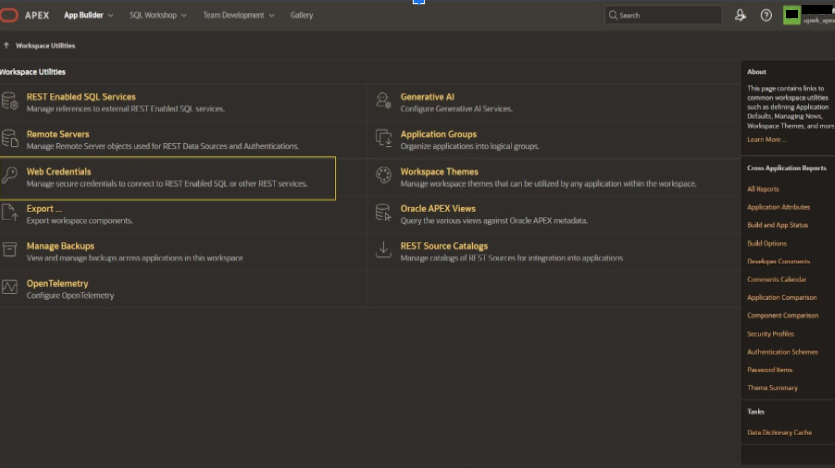
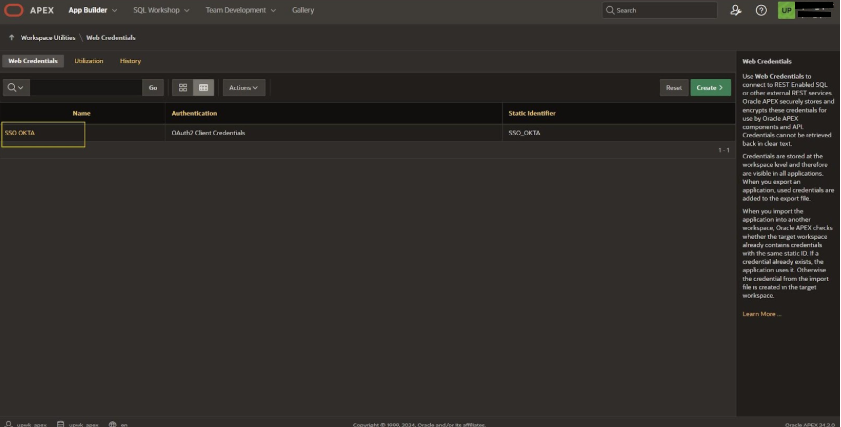
Navigate and open SSO OKTA inside Web Credentials
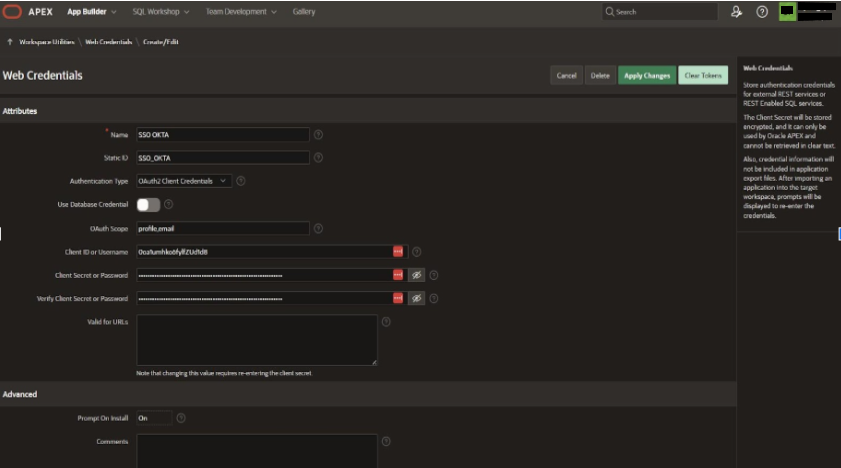
Configure the details for SSO
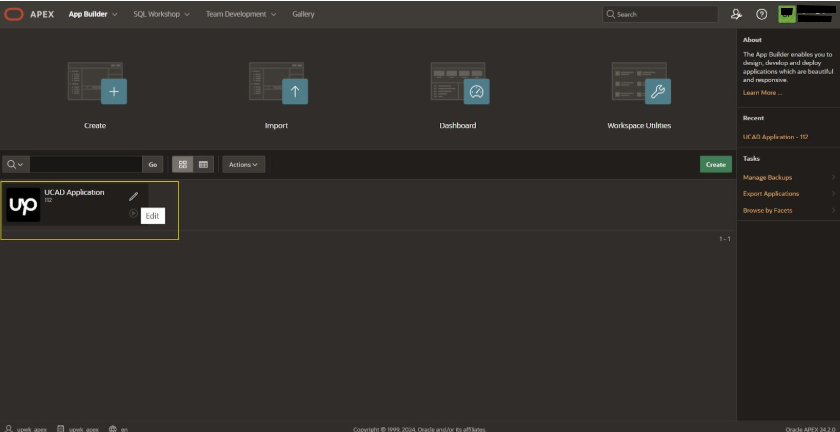
Inside App Builder open the Application (in our scenario its UCAD Application.)
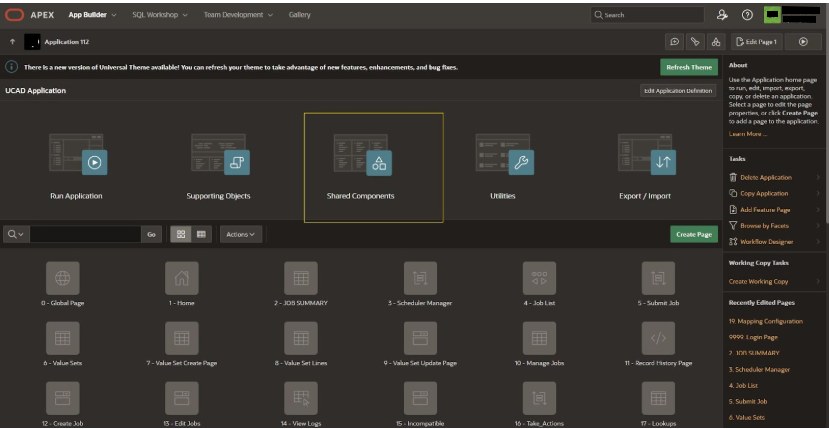
Click to Shared Components
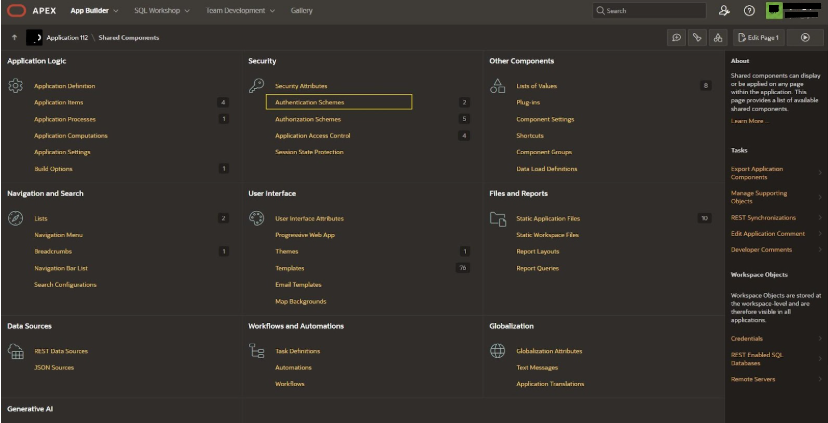
Navigate to Security and open Authentication Schemes
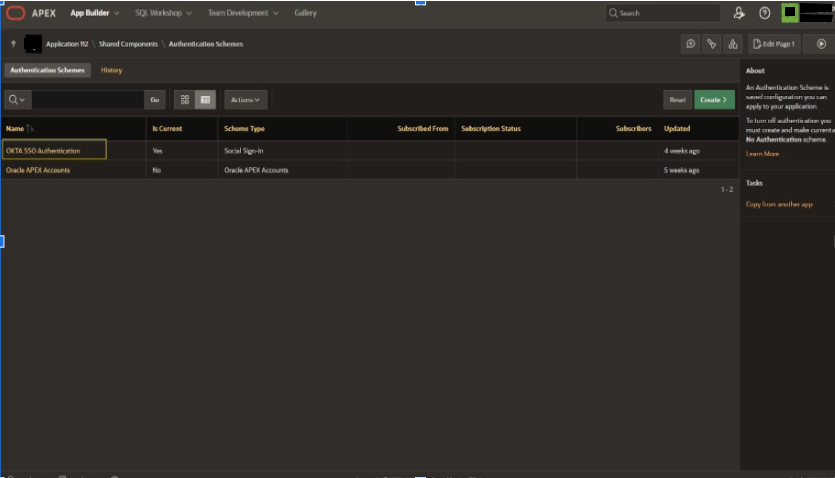
Open the OKTA SSO Authentication
In Source section we need save the groups in the PL/SQL code
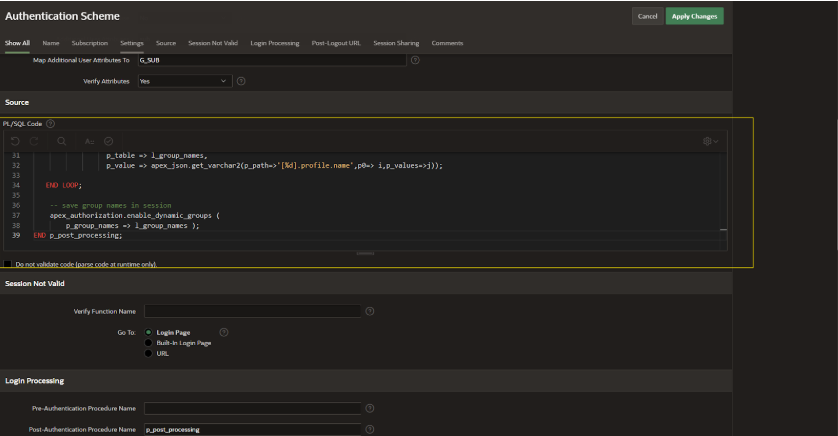
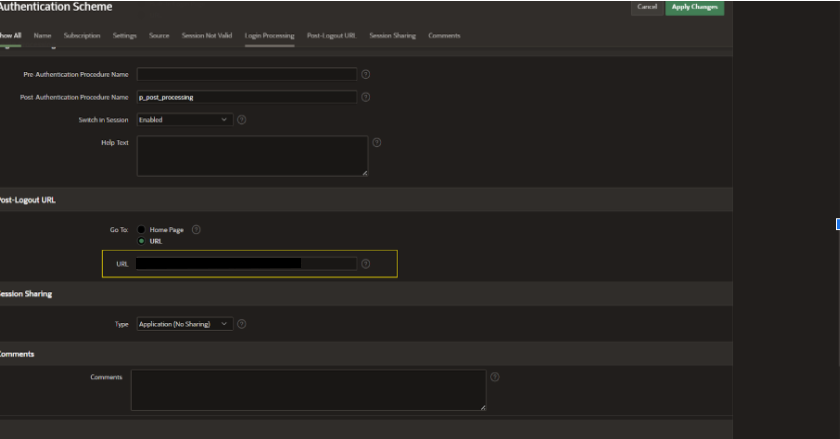
In Authentication Schemes navigating to Post-Logout URL and configuring the URL
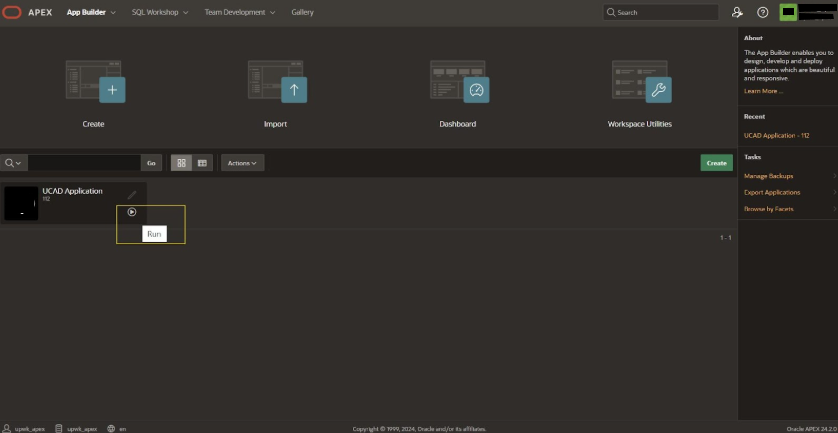
Running UCAD Application
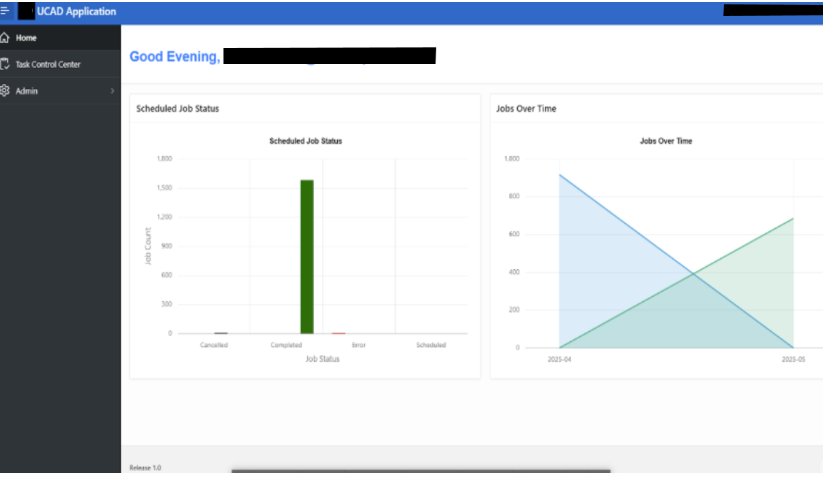
Application dashboard
Official Oracle APEX Documentation & Guides