 Abotts Partners with singapore based tech giant to help migrate their public sector customer from Sybase to SQL server.
 Abotts partners with NYPL to integrate with their partner libraries.
 Upworks Inc partners with ABOTTS to build their Oracle Cloud Infrastructure (OCI) and migrate their custom applications to OCI.
 Abotts Inc Partners with Gnorth consulting to deploy exadata and ODA for a large public sector customer.
Introduction
Ansible AWX is a free and open-source web application that provides a user-friendly interface for managing Ansible playbooks and inventories. It also includes a REST API for automating Ansible operations. AWX serves as the open-source version of Red Hat Ansible Tower.
To deploy AWX, a Kubernetes infrastructure such as MicroK8s, K3s, or Minikube is required.
Pre-requisites
Ensure the following system requirements are met before installation:
- RAM: 8 GB
- CPU: 3.4 GHz (2 Cores)
- Disk: 20 GB of available storage
- Internet: Stable internet connection
Step-by-Step Installation
1. Install Required Packages
Ensure your Ubuntu system is up-to-date and install the necessary dependencies:
sudo apt update && sudo apt upgrade -y
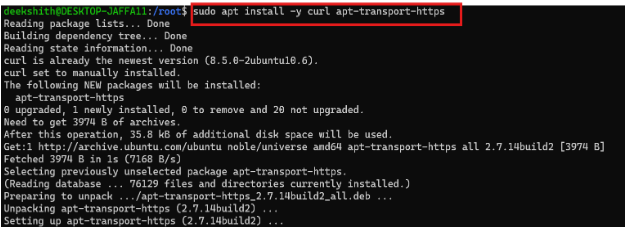
sudo apt install -y curl wget apt-transport-https
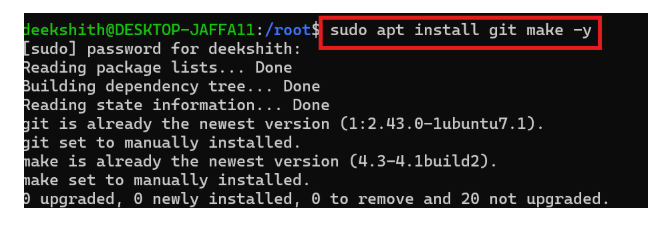
Sudo apt install git make -y
 2. Install Docker
Install Docker Engine to run containers required by Minikube and AWX:
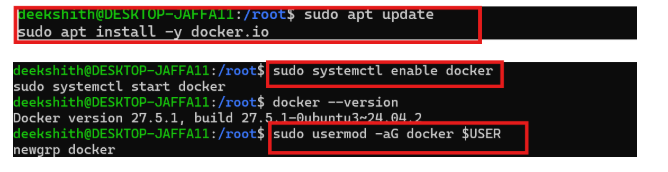
sudo apt install -y docker.io
sudo systemctl enable docker
sudo usermod -aG docker $USER
newgrp docker
 3. Install Minikube
Download and install Minikube, a local Kubernetes cluster:
curl -LO https://storage.googleapis.com/minikube/releases/latest/minikube-linux-amd64
sudo install minikube-linux-amd64 /usr/local/bin/minikube

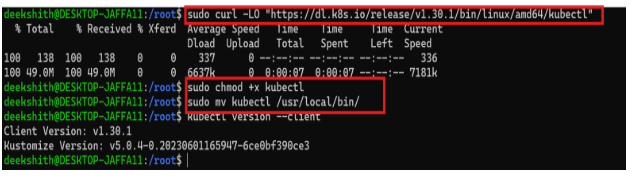
Install kubectl:
sudo curl -LO “https://dl.k8s.io/release/v1.30.1/bin/linux/amd64/kubectl”
sudo chmod +x kubectl
sudo mv kubectl /usr/local/bin/
 4. Clone AWX Operator
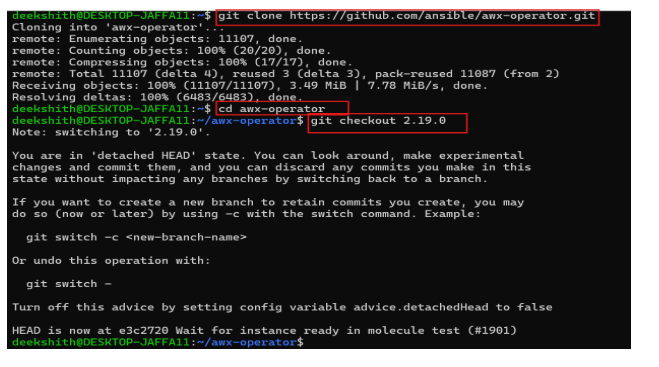
Clone the AWX Operator repository to deploy AWX:
git clone https://github.com/ansible/awx-operator.git
cd awx-operator
Check out a stable version:
git checkout <version>
 5. Deploy the AWX Operator
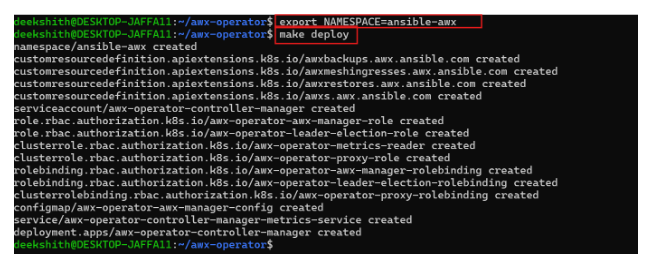
AWX Operator Deployment via make deploy in Ansible Namespace. Create a custom resource YAML file (e.g., awx-deploy.yaml):
export NAMESPACE=ansible-awx
make deploy
 6. Start Minikube
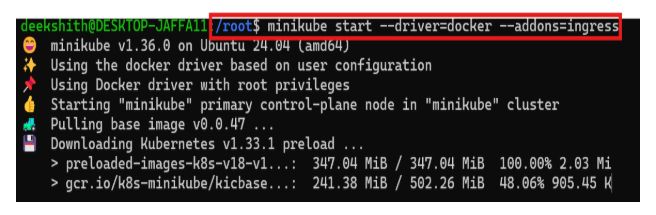
Start your Minikube cluster with Docker as the driver:
minikube start –driver=docker –addon=ingress
7. AWX Operator: Namespace-Based Deployment Using Makefile
AWX Instance Deployment via Custom YAML in the ansible-awx Namespace:
vi awx-ubuntu.yml
—
apiVersion: awx.ansible.com/v1beta1
kind: AWX
metadata:
name: awx-ubuntu
spec:
service_type: nodeport
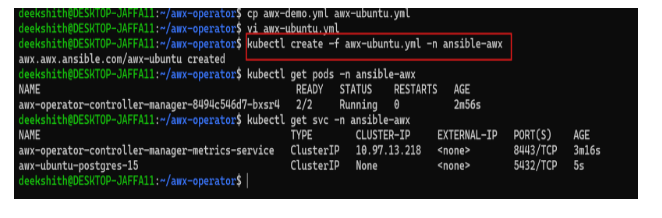
Apply the deployment:
kubectl apply -f awx-deploy.yaml -n ansible-awx
Check the pods and service.
kubectl get pods -n ansible-awx
kubectl get svc -n ansible-awx
 7. Access AWX Web Interface
minikube service awx-service -n ansible-awx –url

Opening through localhost:
forwards port 80 of the AWX service to your local port 10445.
kubectl port-forward service/awx-ubuntu-service -n ansible-awx –address 0.0.0.0 10445:80 > /dev/null &
8. Get Admin Credentials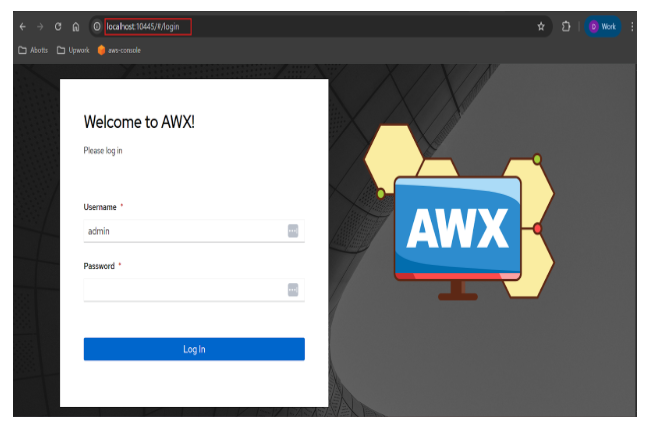
Retrieve the admin password:
kubectl get secret awx-admin-password -n ansible-awx -o jsonpath=”{.data.password}” | base64 –decode

Log in with:
- Username: admin
- Password: (output from above command)

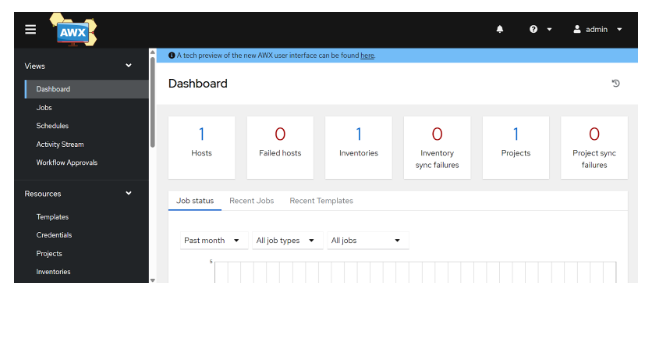
After giving the valid username and password, it will redirect to home page